Features

Everything you need.
Nothing you don't.

One canvas for design, AI, and true Urdu & Arabic type — every tool below, free in your browser.

Text Shapes Images AI Layers
Chapter 01 — Editor

A real editor, in the browser.

Drag & Drop Editor

Move things, resize them, layer them. It works the way you'd expect. No coordinate inputs, no hidden menus. You see it, you click it, you change it.

  • Click, drag, done — no coordinate inputs
  • Smart snap guides and alignment
  • Full undo history, always

50K+ Elements & Graphics

Shapes, icons, stickers, illustrations. More than enough to build pretty much anything. Search for what you need or browse by category. Most of it is free.

  • 50,000+ shapes, icons & stickers
  • Search or browse by category
  • Most of it free

Custom Fonts & Text Effects

Hundreds of fonts including Arabic, Urdu, Hindi, and Latin scripts. Add shadows, outlines, curved text, or just pick a clean font and leave it at that.

  • Arabic, Urdu, Hindi & Latin scripts
  • Shadows, outlines & curved text
  • Live preview as you browse

Multi-Page Designs

Building a presentation or a multi-page brochure? Add pages, reorder them, copy elements between them. It's all one file, no stitching things together afterward.

  • Add, reorder & duplicate pages
  • Copy elements between pages
  • One file — no stitching afterward
Chapter 02 — AI Studio

Type it. Watch it appear.

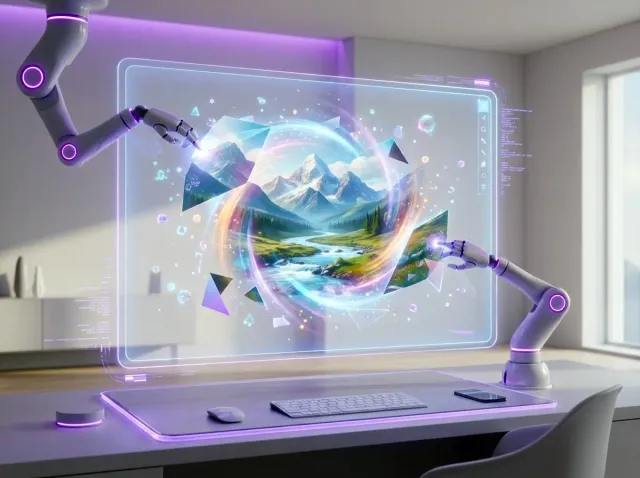
AI generating a landscape image from a text prompt

AI Image Generation

Type what you want, get an image. Useful for backgrounds, product mockups, and situations where you'd otherwise spend an hour on stock sites. Three quality levels, so you can pick based on how much detail the job actually needs.

  • Generates in seconds
  • 3 quality tiers: Basic, Standard, Advanced
  • Multiple styles and aspect ratios
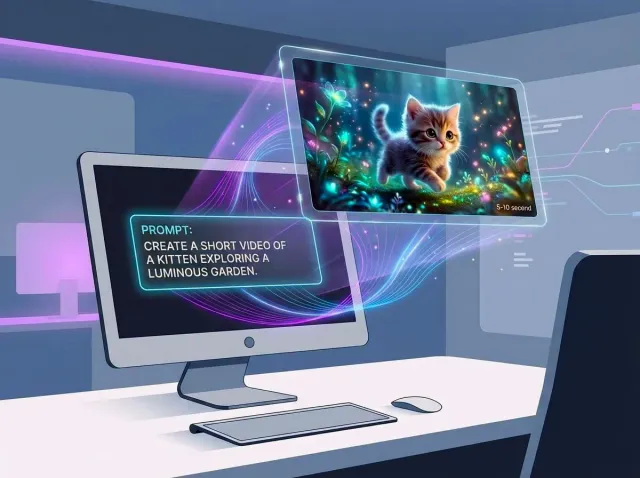
AI creating a short video from a text prompt

AI Video Generation

Short videos from a text prompt. Good for social media clips when you don't have footage to work with. Basic is fine for drafts; Advanced (Veo 2) is what you'd use for something you're actually publishing.

  • Text to video
  • 5s and 10s clips
  • 3 quality levels including Veo 2
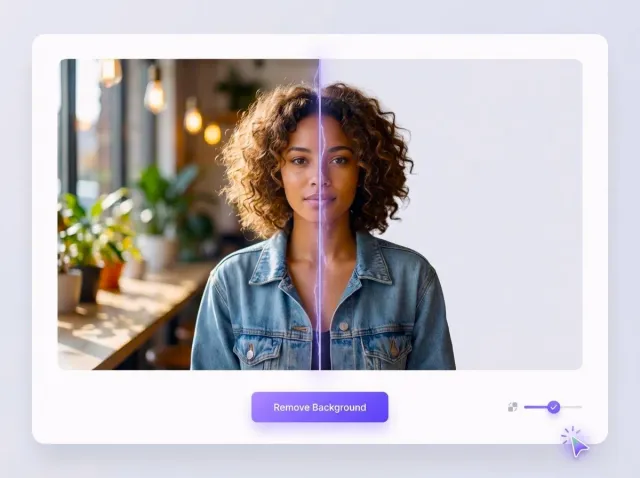
Before and after of one-click background removal

Background Removal

One click, background gone. Works well on product photos, portraits, and anything with clear edges. Not flawless on every single image, but clean enough that you won't spend 20 minutes fixing selection masks.

  • Single click removal
  • Clean edges on most subjects
  • Works on imported photos
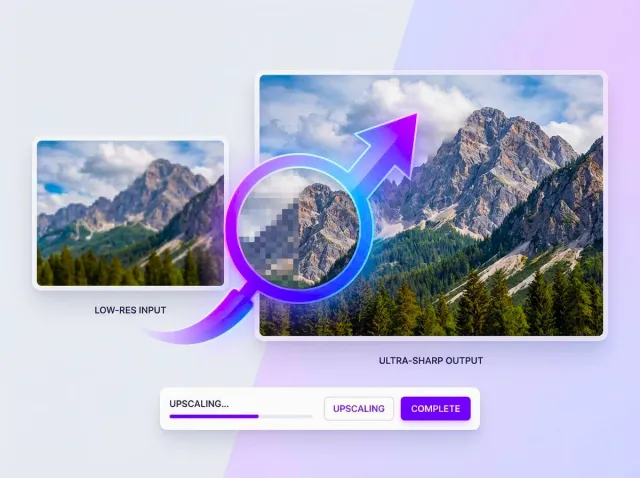
Low resolution image upscaled to a sharp result

Image Upscaling

Scale up a low-res image without it turning blurry. Useful when you only have a small logo file, a compressed screenshot, or an old photo that needs to be printed large.

  • Up to 4x resolution increase
  • Detail recovery
  • Works on both photos and graphics
Chapter 03 — Languages

Your language, rendered right.

We wrote our own text engine because off-the-shelf ones break Urdu and Arabic. Connected letters, proper ligatures, a cursor that lands where you expect.

  • Real RTL editing — shaping, ligatures, correct cursor
  • 500+ regional fonts across Urdu, Arabic, Hindi & Latin
  • Bilingual layouts that mix directions cleanly

تخلیق کریں

صمّم بلا حدود

اردوالعربيةEnglishहिन्दी
Chapter 04 — Export & Cloud

Finish it. Ship it anywhere.

Designs save themselves to the cloud as you work — start on your phone, finish on your laptop, then export at full quality. No watermark, no compression.

  • Full-quality export — never compressed down
  • Auto-save to cloud, open on any device
  • Print-ready PDF and scalable SVG
50,000+elements & graphics
500+fonts & scripts
4export formats

Try every feature free.

No download, no credit card — the whole studio is one click away.